Fish & Giggles

Free aquarium screensavers for Roku, with surprises, glow-in-the-dark nights and a calm night light for the kids' room.

Fish & Giggles Aquarium cartoon coral reef
Cartoon

Fish & Giggles Aquarium

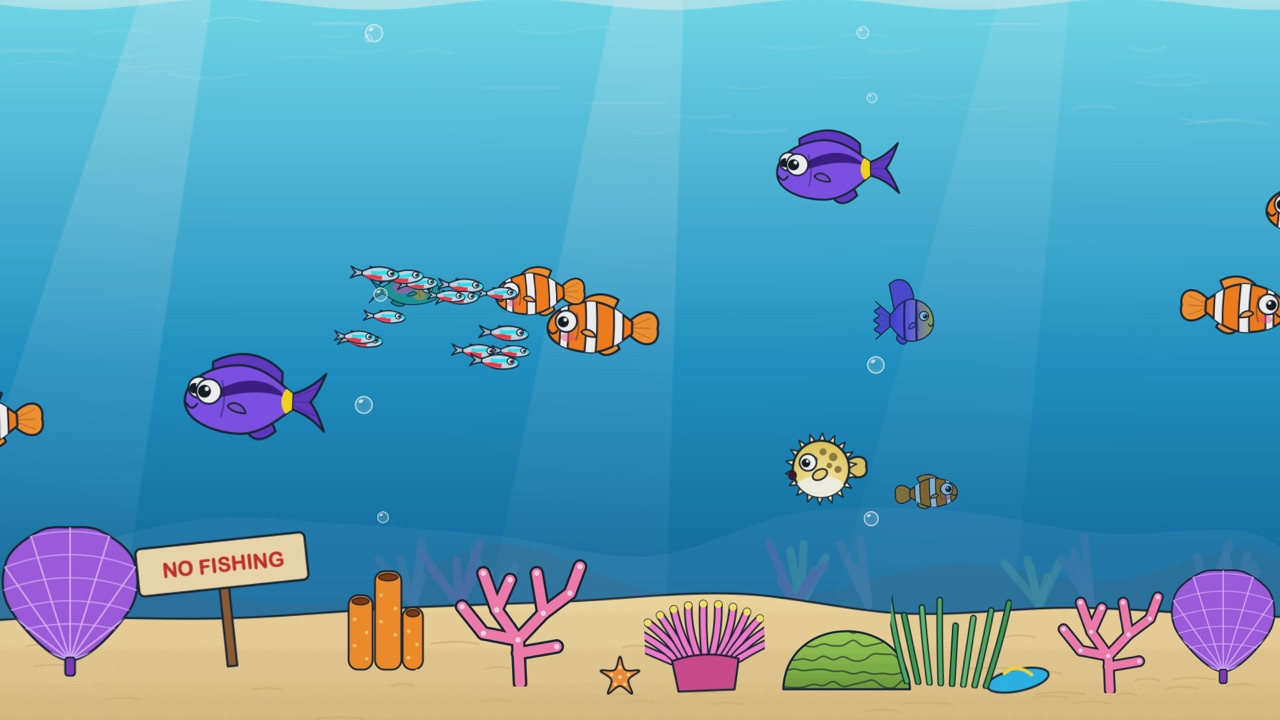
A goofy cartoon tank with six worlds and 40+ original characters: a pirate fish, a shark in a duck pool floatie, an astronaut fish in a fishbowl helmet, and plenty more.
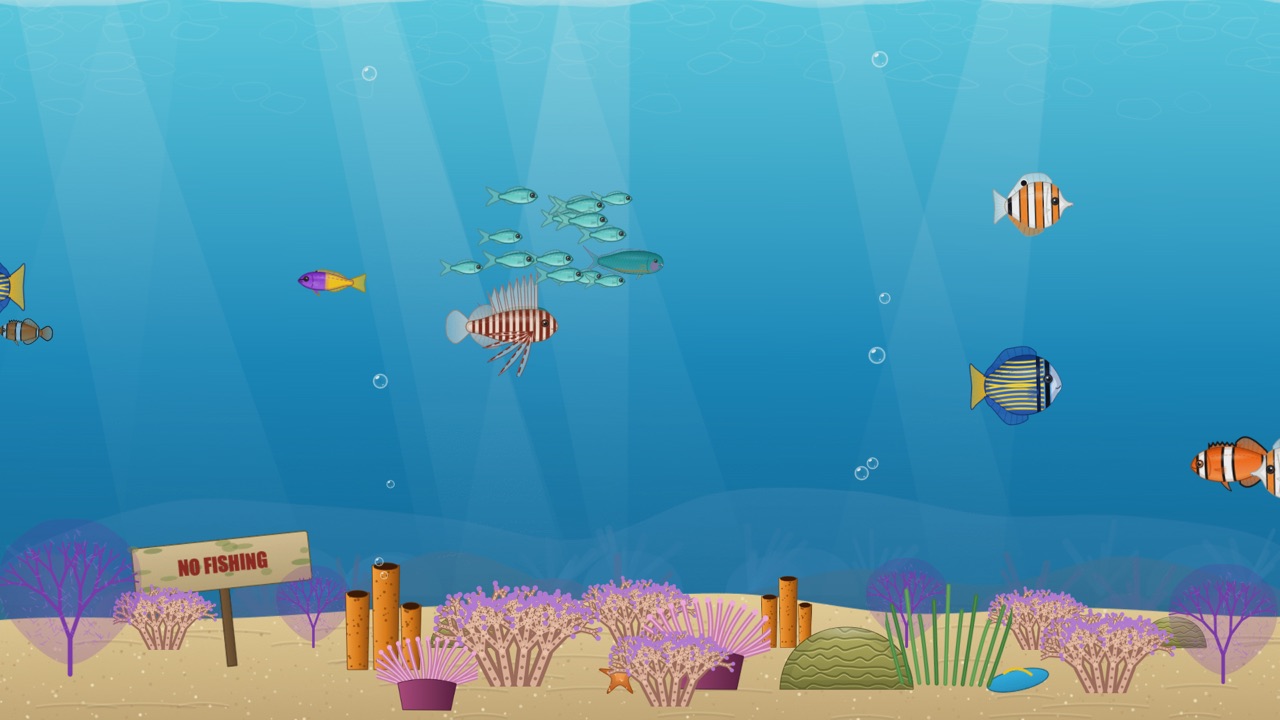
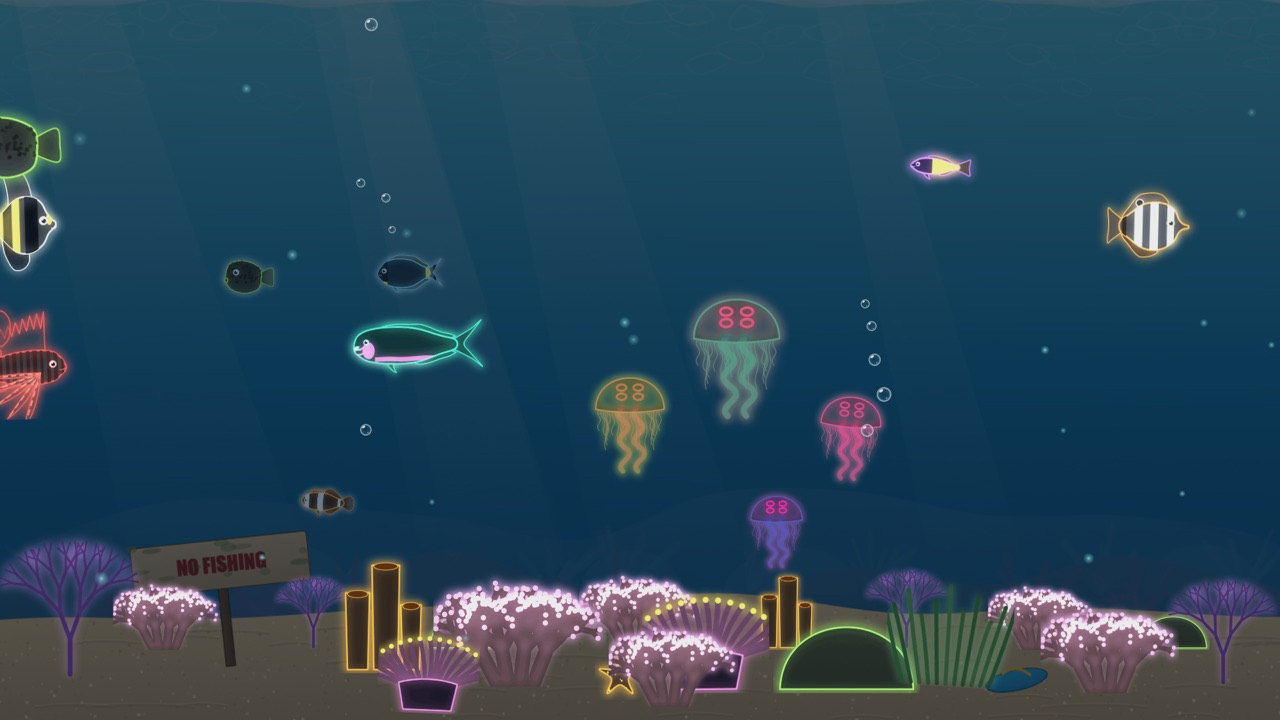
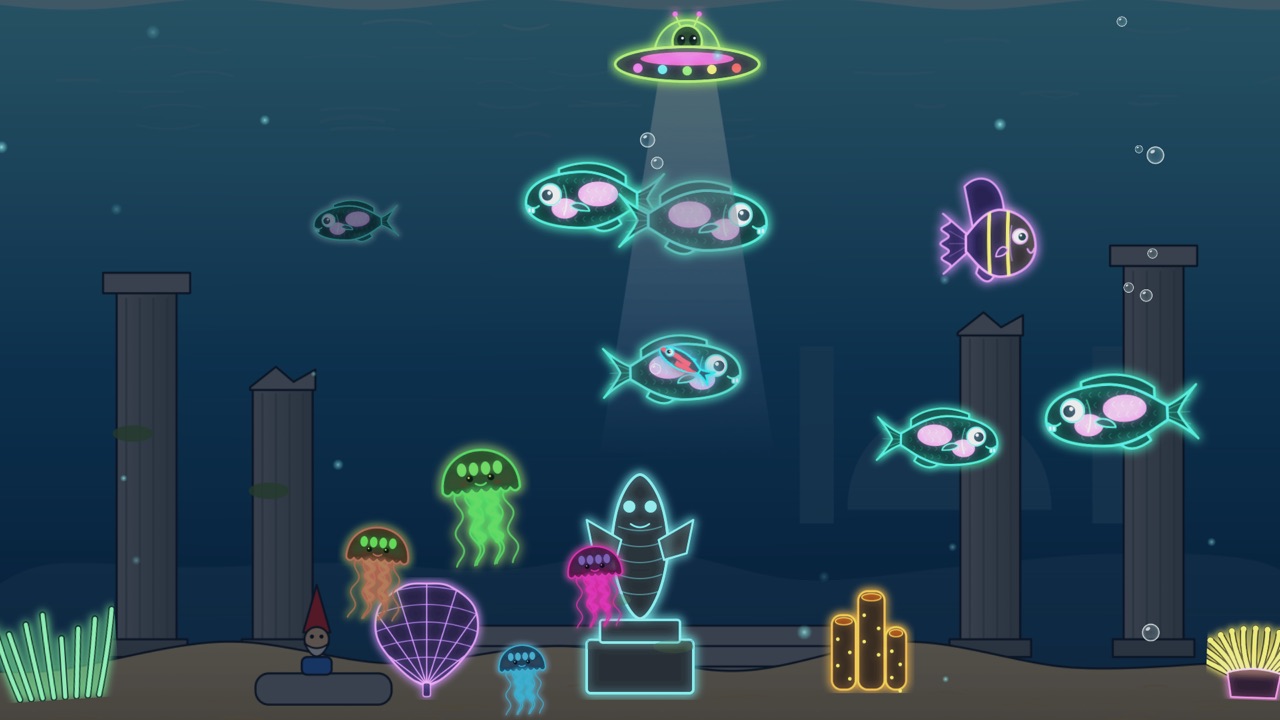
Cartoon reef glowing at night UFO and disco jellyfish in the Sunken City
Fish & Giggles Real Reef realistic coral reef
Realistic

Fish & Giggles Real Reef

A richly illustrated reef with 40 real species: clownfish, tangs, Moorish idols, emperor angelfish, eagle rays, reef sharks, anglerfish and more. It has the same silly surprises, too.

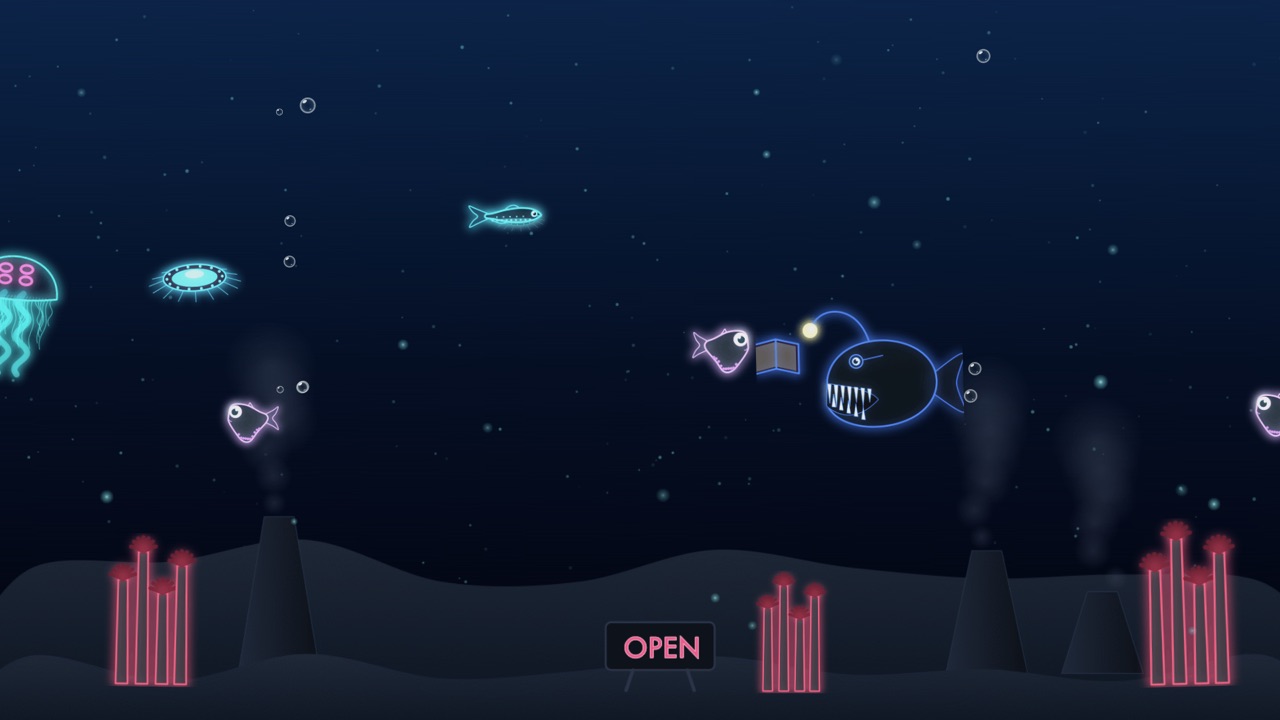
Realistic reef glowing at night Anglerfish in the Deep Abyss

What's inside

Six undersea worldsCoral Reef, Kelp Forest, Shipwreck, Deep Abyss, Arctic Ice and Sunken City. Shuffle them or pick a favorite.
Silly surprisesA rubber duck, a treasure chest, an inking octopus, a UFO fish-napping, jellyfish discos and more.
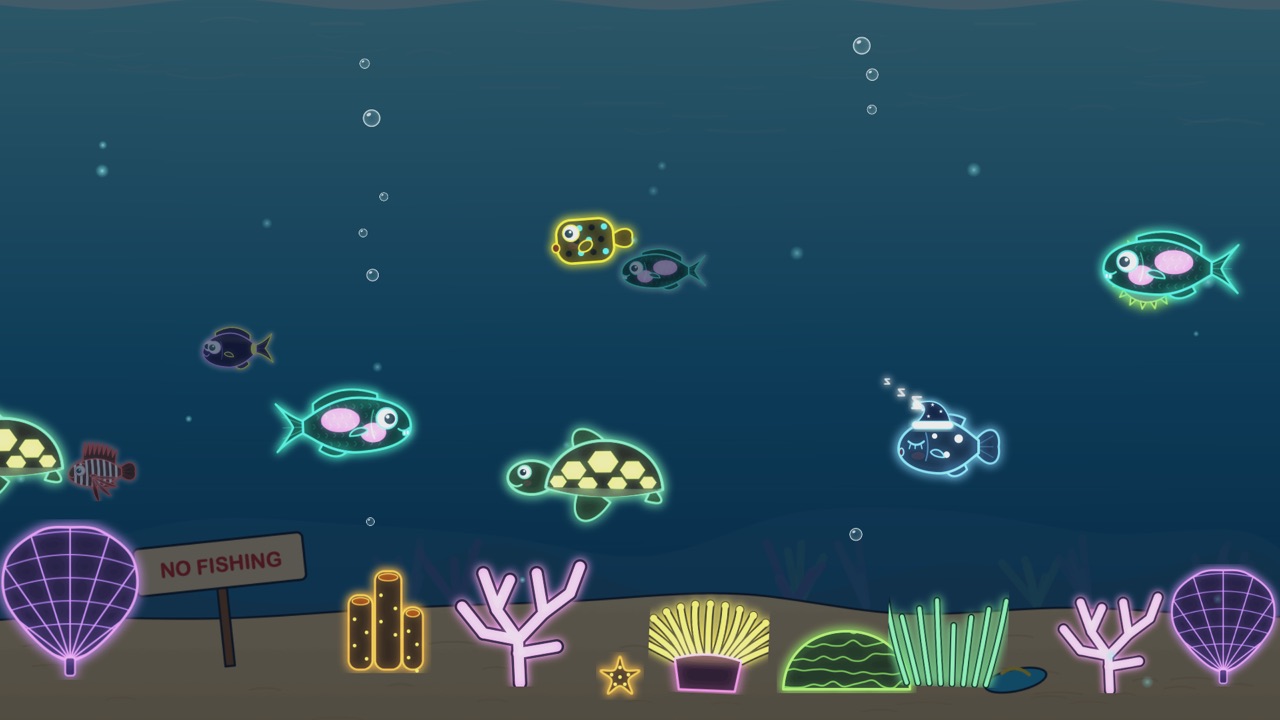
Glow in the darkAfter bedtime the tank switches to glowing fish, coral and plankton.
Night-light modeAfter bedtime the screen dims and only calm surprises play. Bedtime is 8 PM by default (or 7, 9 or 10 PM).
Holiday hatsSanta hats in December, party hats on New Year's and witch hats for Halloween week.
No ads, no accountsNothing to sign up for and no data collected.

How to set it up on your Roku

  1. Add Fish & Giggles Aquarium or Fish & Giggles Real Reef from the Roku Streaming Store (search "Fish & Giggles").
  2. Go to Settings → Theme → Screensavers and select it.
  3. Choose Change screensaver settings to pick areas, bedtime, the night light and more.